Jun 2024 - Present Solo build: Linux, scripting, Windows admin
IT & Systems Administration Lab
Five hands-on projects across the platforms my infrastructure runs on: Linux from the command line up, Python and PowerShell scripting, and Windows patch management I can audit.
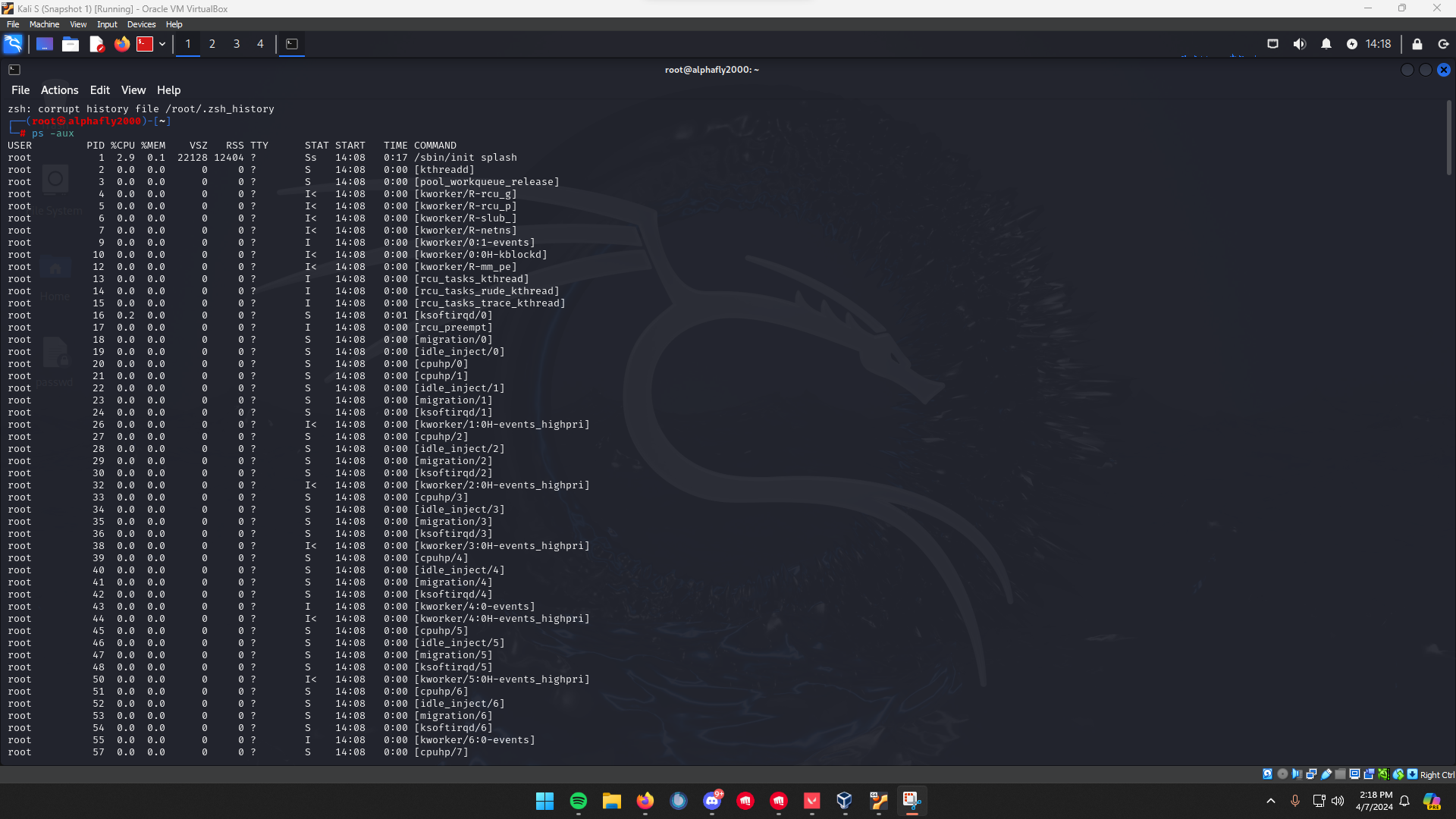
IT & Systems Administration Lab is me building the fundamentals on purpose instead of picking them up in fragments. Linux is the foundation under most of my other infrastructure — Proxmox hosts, cloud instances, security tooling — so the lab is five projects centered on it: command-line fundamentals, real system administration, an operating-system comparison, scripting in Python and PowerShell, and Windows patch management I can log and audit. It is the layer the network, cloud, and home-lab work all sit on top of.
Linux from the command line up
The first two projects live on a Kali VM and work bottom-up. Fundamentals cover navigation, the full file and directory life cycle, symbolic links, editing in nano, and searching with find, locate, and grep.
System administration goes further: file ownership and permissions worked in octal on purpose, ACLs with setfacl for the "one account needs access, nobody else changes anything" case, process monitoring, and a storage volume built from scratch through the whole LVM stack.
- Permissions
- Worked in octal, plus ACLs with setfacl/getfacl
- Storage
- LVM built pvcreate → vgcreate → lvcreate → mkfs → mount, verified with df -h
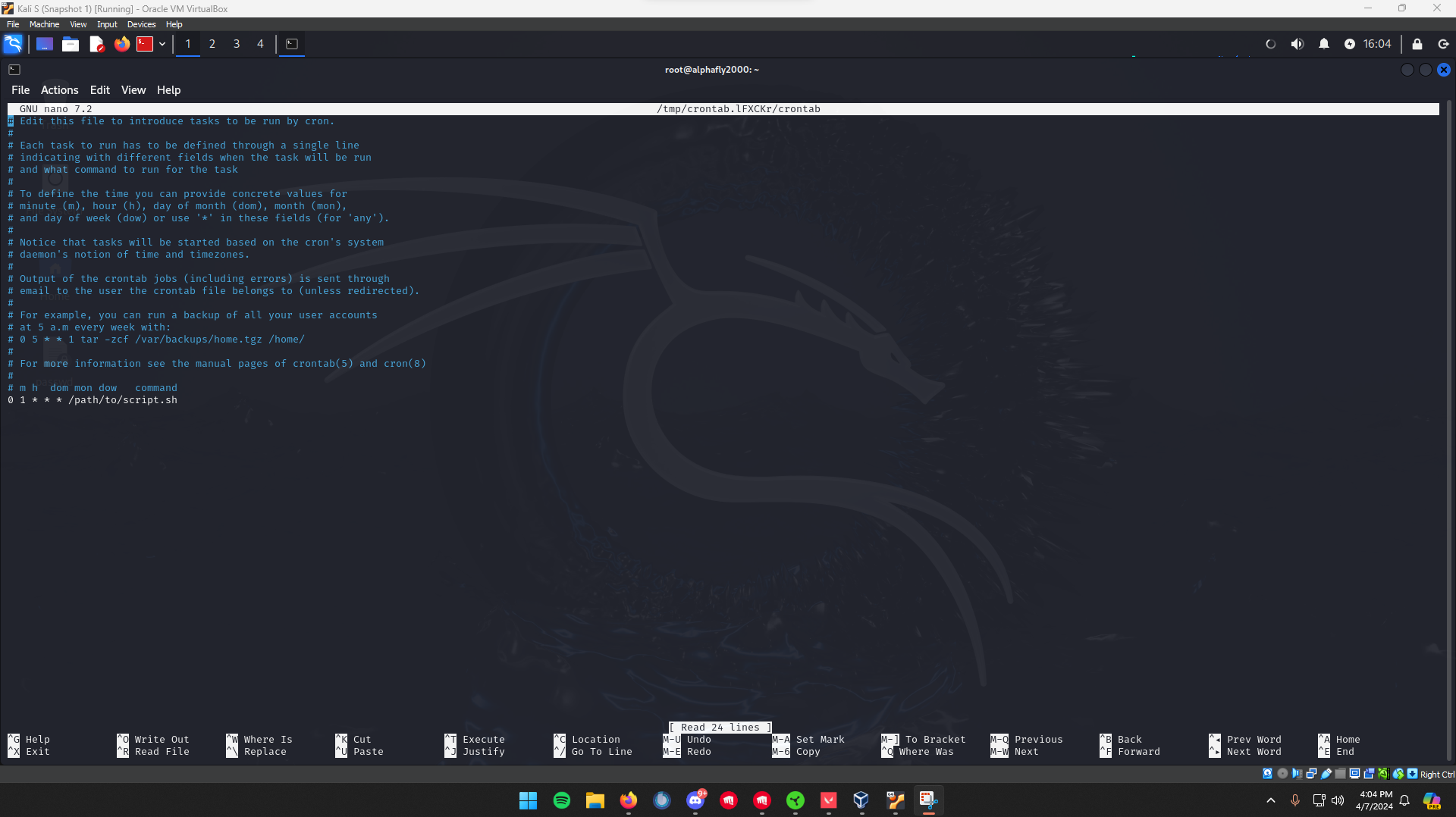
- Scheduling
- cron jobs with NTP keeping timestamps honest
- Operations
- apt package life cycle, network diagnostics, and SSH access
Three operating systems compared
One project steps back from the terminal to compare Windows, Linux, and macOS across kernel architecture, security model, and where each one fits — UAC, BitLocker, and Defender against SELinux and AppArmor against Gatekeeper, SIP, and FileVault.
It is analysis rather than a build, but it is the reasoning behind which platform I reach for in the other labs.
Scripting that I debugged, not just wrote
The scripting project is four runnable Python utilities — a Caesar cipher, a leetspeak converter, a multi-algorithm hasher, and an IPv4 validator — plus PowerShell fundamentals. The point is not that they run; it is that two of them did not.
The leetspeak script threw a TypeError on its replace-all path, which I root-caused to a stray None conversion and fixed. The IPv4 validator had two bugs that rejected valid addresses like 10.0.0.0, so I rewrote it on Python’s stdlib ipaddress module and proved the fix with a side-by-side test table.
Windows patching I can audit
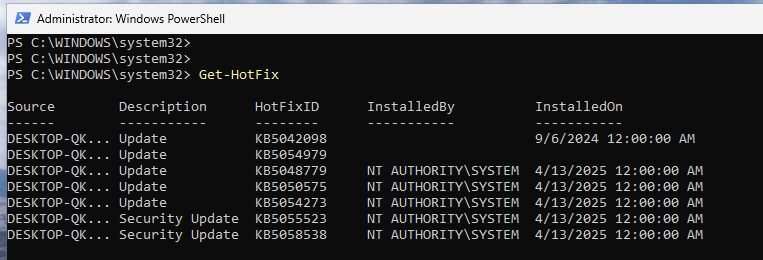
The last project runs the full patch cycle on Windows 11 with the PSWindowsUpdate module: survey pending updates, filter to security, install with reboot suppressed, and log every run to both text and CSV. Execution policy is scoped to the process only so it reverts when the session closes, the reboot is taken manually with Restart-Computer after verification, and Get-HotFix confirms the KB IDs and install dates independently.

The five projects
Organized by platform, with Linux as the foundation:
- 01 · Linux command-line fundamentals
- Navigating the shell, reading the built-in help, and creating, editing, and searching files and directories
- 02 · Linux system administration
- Permissions and ACLs, processes, cron and time sync, package management, LVM storage, network checks, and SSH
- 03 · Operating systems compared
- How Windows, Linux, and macOS differ in kernel architecture, security model, and performance
- 04 · Scripting for security & automation
- Python utilities (cipher, masking, hashing, IPv4 validation) and PowerShell fundamentals, plus two bugs found and fixed
- 05 · Windows patch management
- The full patch cycle from PowerShell with PSWindowsUpdate: surveying updates, controlling reboots, logging, and verifying