Nov 2025 - Feb 2026 Contributor: AI scouting pipeline
Valobrain
An open-source Valorant scouting tool built on pro match data from GRID.gg. I built the AI pipeline that turns raw match events into a written scouting report on an opposing team.
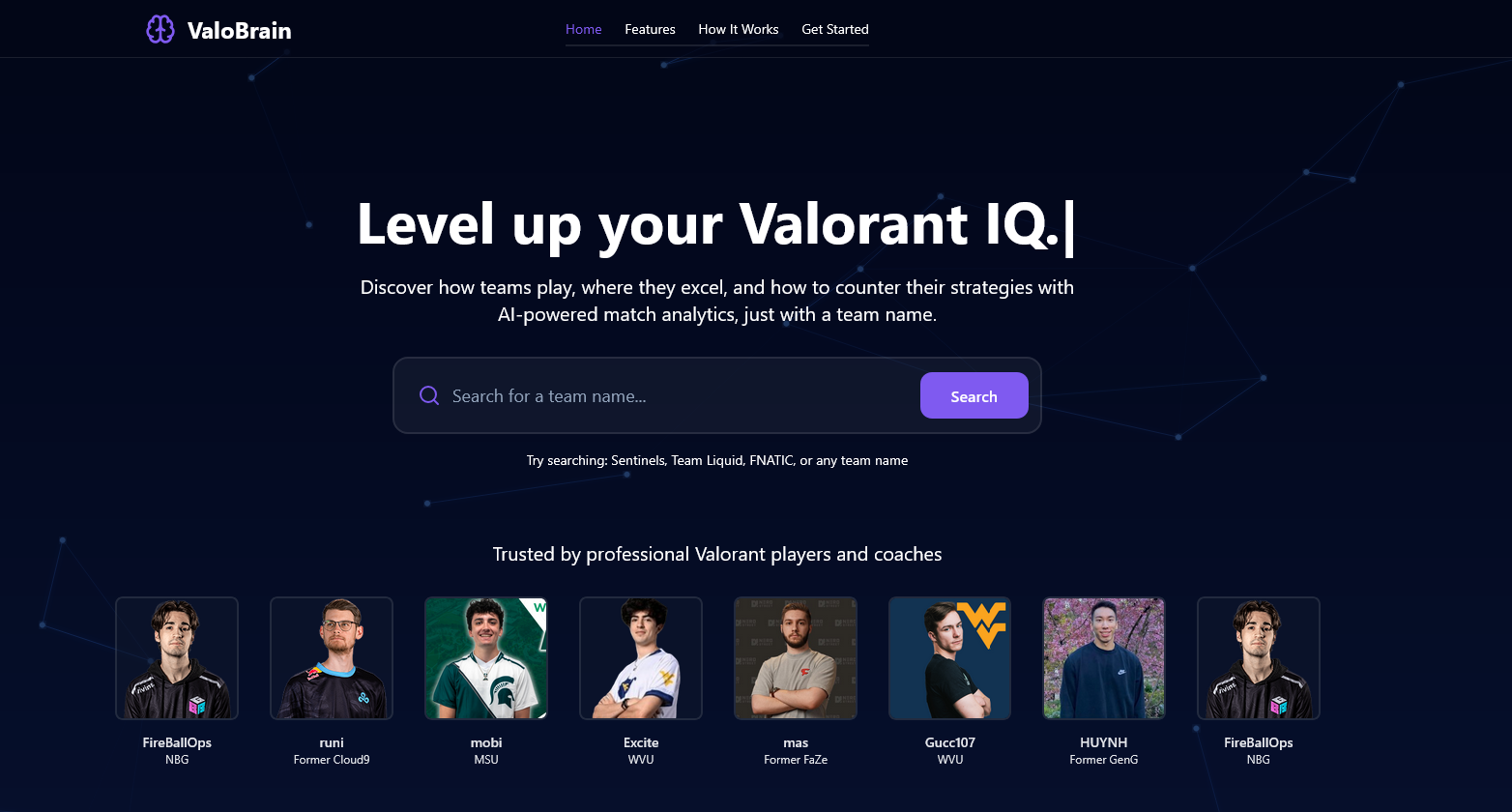
Valobrain is an open-source Valorant analytics app, started by Ivan Popov and built by a team of three for the Cloud9 x JetBrains hackathon. It runs on professional match data from GRID.gg: search for a team and you get its match history, team and player stats, map results and win conditions. My part was the AI Insight tab, a server-side pipeline that downloads raw match event files, condenses each round into a short digest, finds a team's habits, and has Google Gemini write a scouting report a coach can prepare against. I opened 20 pull requests in January 2026, and 19 were merged, about a third of the project's 53.
From raw match events to round digests
GRID publishes each pro match as a file of raw events: every kill, purchase and spike plant, in order. I built the service that downloads those files, parses them and caches the result, and a digest builder that condenses each round into a few lines: which side each team played, what they bought, the value of their loadouts, the trades, and where on the map the kills happened.
Money decides a lot in Valorant, so every round is tagged Eco, Force or Full Buy from the team's loadout value. That later fed an economy section in the report: how often a team force-buys, how it does on eco rounds, and how much it spends on the Operator.
Finding a team's habits
Before any AI runs, the server looks for patterns in plain code. A zone engine maps kill positions onto named areas of each map, and 20 pattern detectors look for habits across a team's recent matches. I later added measures pro analysts use: tempo (how fast a team commits to a site), lurks, which players anchor a site on defense, the weakest link in a lineup, site preference and first-blood win rate.
Two model calls and a report
The report is written in two steps. An analyst prompt reads the digests and detector output and decides what matters, then a writer prompt turns that into the report, with counter-strategies written as if-then steps and sections on pistol rounds and economy. I wrote both prompts. Reports are built by an async job queue, so the page does not hang on one long request.
On the front end I built the AI Insight tab, kept a report on screen when you switch tabs, added a field for using your own Gemini key, and added a report history.